Every place.Measured.
Measure distance, area and perimeter on the map. Just tap or trace.
17 yearsSince 2009. From Android’s early days.
500K+downloads on Google Play
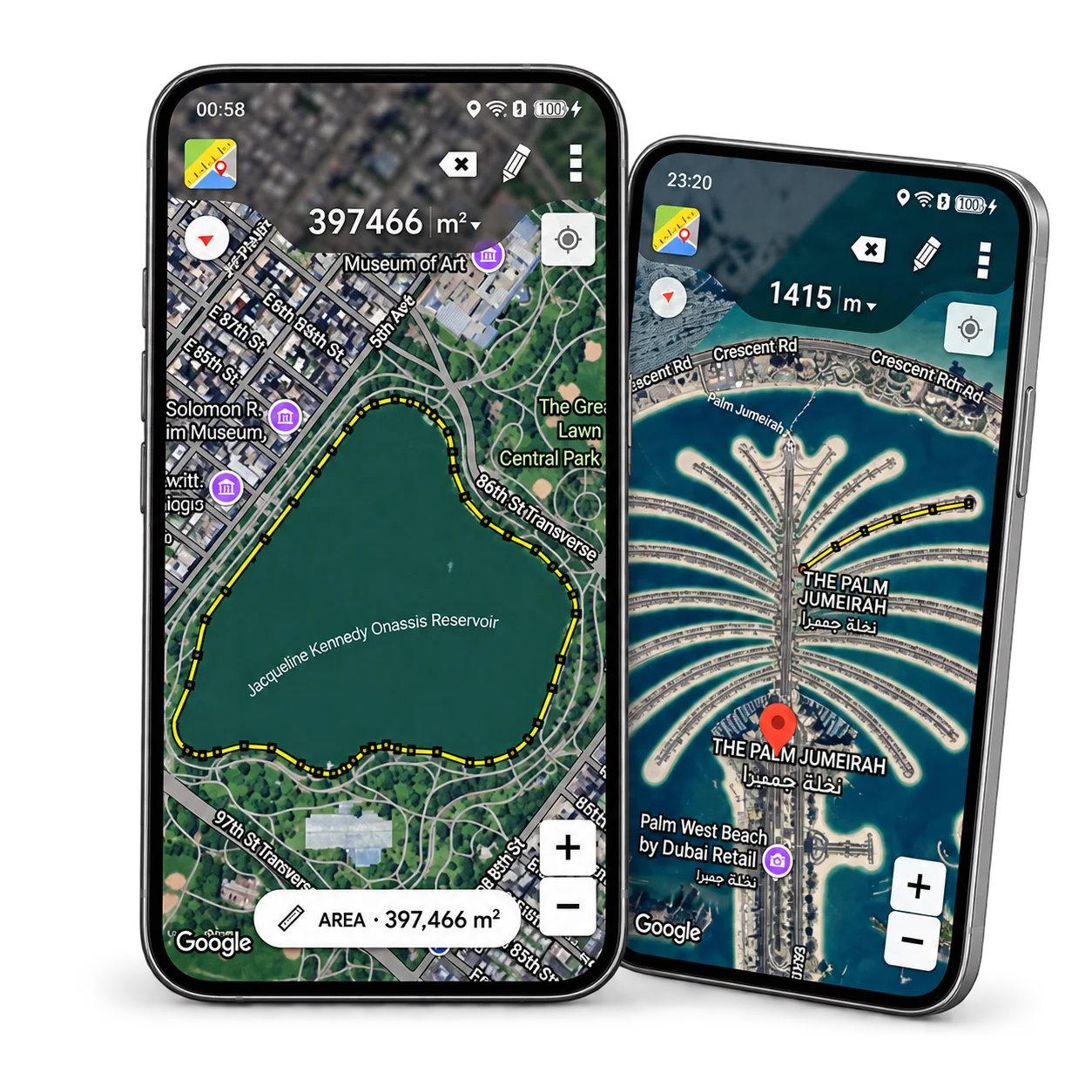
Tap. Trace. Measure.
- 1
Tap to start
Drop points on the map or search for a place.
- 2
Trace your path
Measure distance or outline an area by tapping or drawing.
- 3
Get instant results
See the distance, area and perimeter on the map.
A MAP. SO MANY POSSIBILITIES.
From your next route to your patch of land.
The same simple tool, wherever your plans take you.
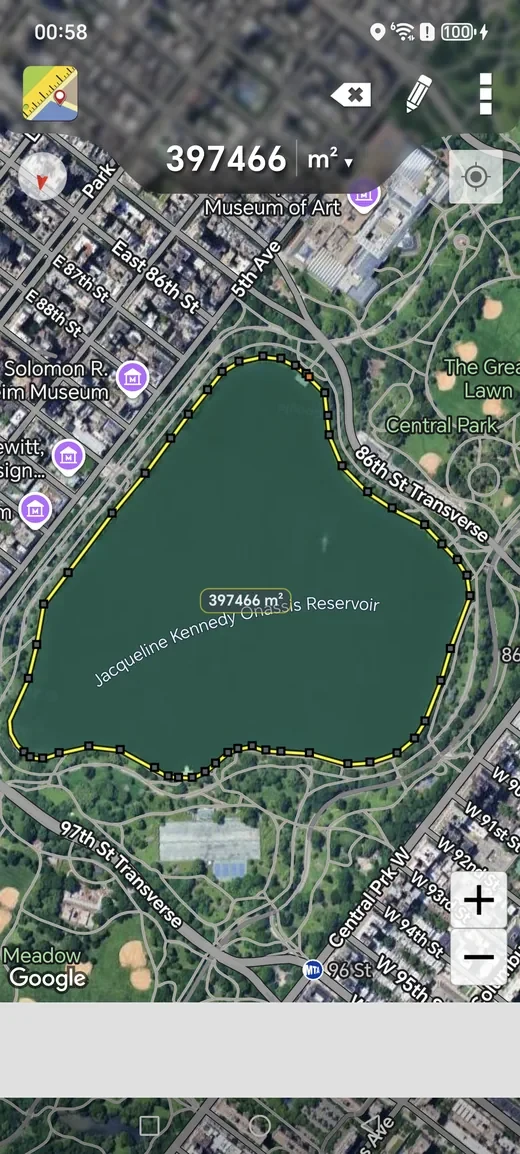
Put a number to that space.
Trace a field, a garden or a lake. Calculate its area and perimeter, and adjust individual points to follow the boundary.
m² · hectares · acres
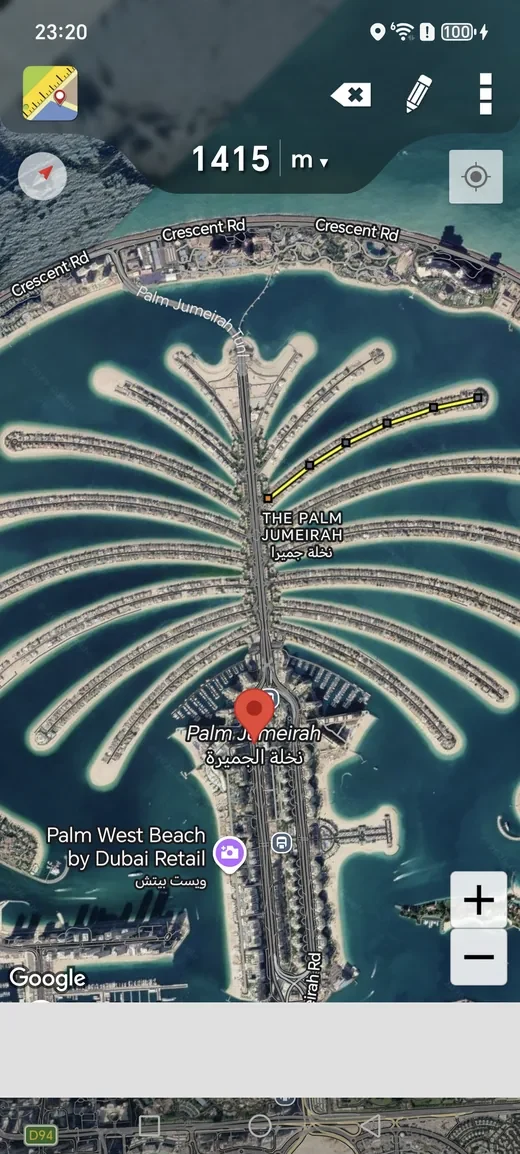
Know how far before you go.
Mark a walking route, a winding path or a fence line. Add as many points as you need and check the distance of each segment.
metres · kilometres · miles · feet
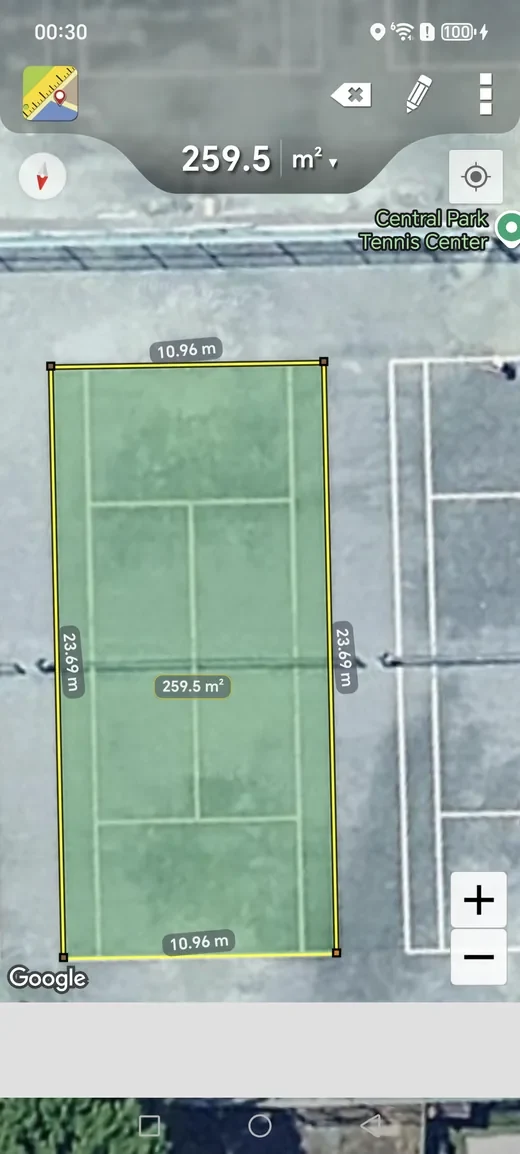
Small spaces. Useful answers.
Measure a court, a garden or a work area from above. Switch map views and units to get a clearer picture of your next project.
Normal · satellite · terrain maps
Actual app screenshots. Map results depend on imagery and where you place the points.
ALSO IN YOUR BROWSER
A bigger view. The same simple tool.
Open the map, trace a place and save your measurement. No installation needed.
Try it on the map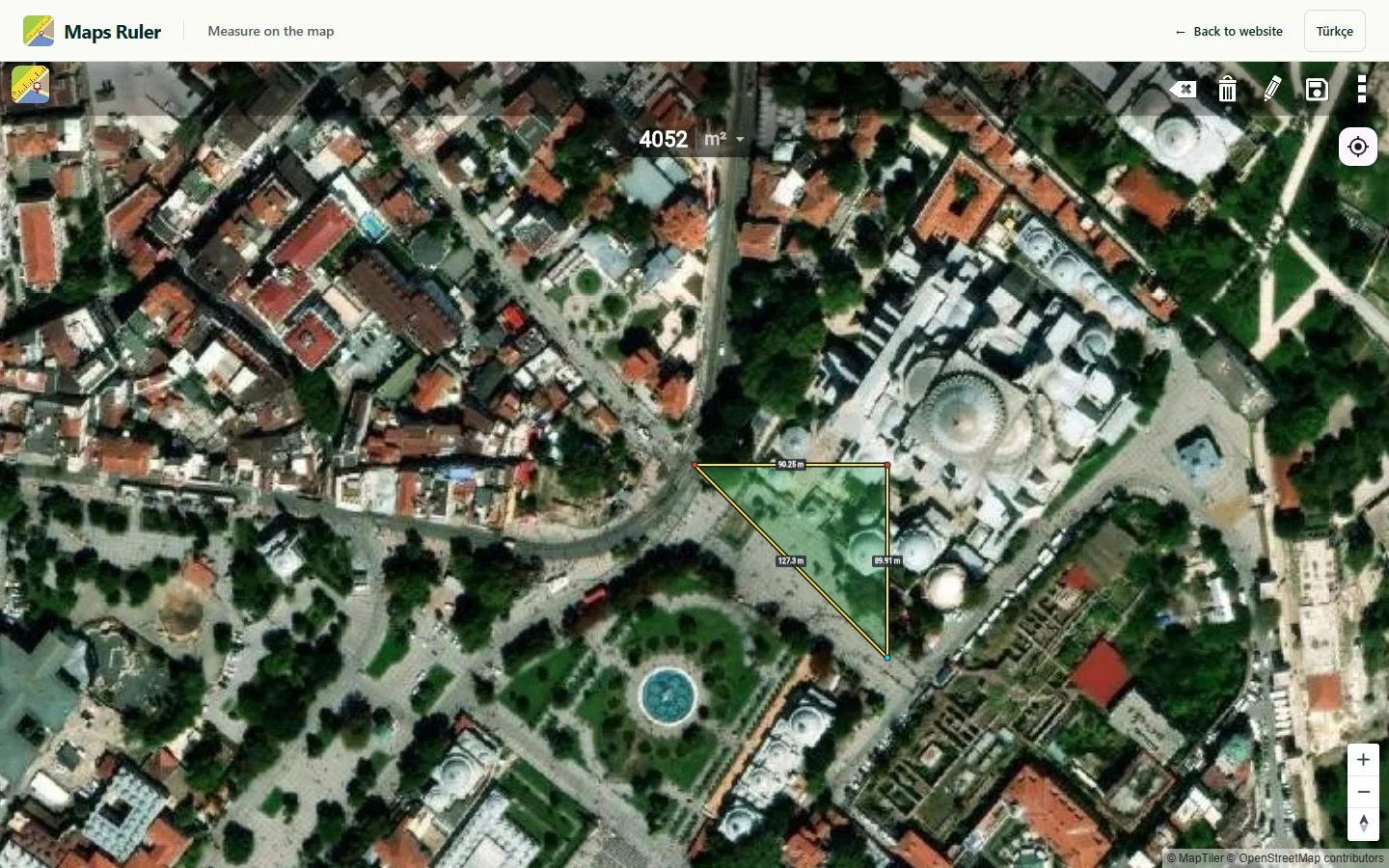
A LITTLE APP. A LONG STORY.
Started in 2009. Still here for you.
One of Android’s early apps. One simple idea that keeps going: making places easier to measure.
Today, on iPhone, Android and the web.
- KML
- KMZ
- GeoJSON
- GPX
WHEN YOU NEED A LITTLE MORE
Measure it. Keep it. Take it with you.
More tools for your projects with Maps Ruler Pro on iPhone and iPad.
- Unlimited saved measurements
- Circle and precision tools
- GIS exports, backup and restore
Ad-free with Pro. See the app for pricing and platform availability.
Can I measure a place from anywhere?
Yes. Find a place on the map and start drawing. You do not need to be there.
Can I use it in my browser?
Yes. The web tool measures distance, area and circles, and saves measurements in your browser.
Can I take my measurements with me?
Export a map file or make a backup. Automatic syncing between devices is not available.

WHERE WILL YOUR NEXT PLAN TAKE YOU?
A little curiosity. A world to measure.
From the path ahead to your own patch of land.
Start measuringOr take Maps Ruler with you.
For iPhone, iPad & Android